Adobe Commerce composable storefront: the September suite closes the classic gaps
The criticism levelled at Adobe Commerce’s composable storefront — Edge Delivery and its drop-ins — was never really about performance or architecture. It was about the gaps: features any Luma shop has offered for years that the new front end did not yet cover. The September 2026 suite, published on 6 October, goes straight at that list — which is what makes it more important than just another version train.
What the suite delivers
Five concrete additions, all generally available:
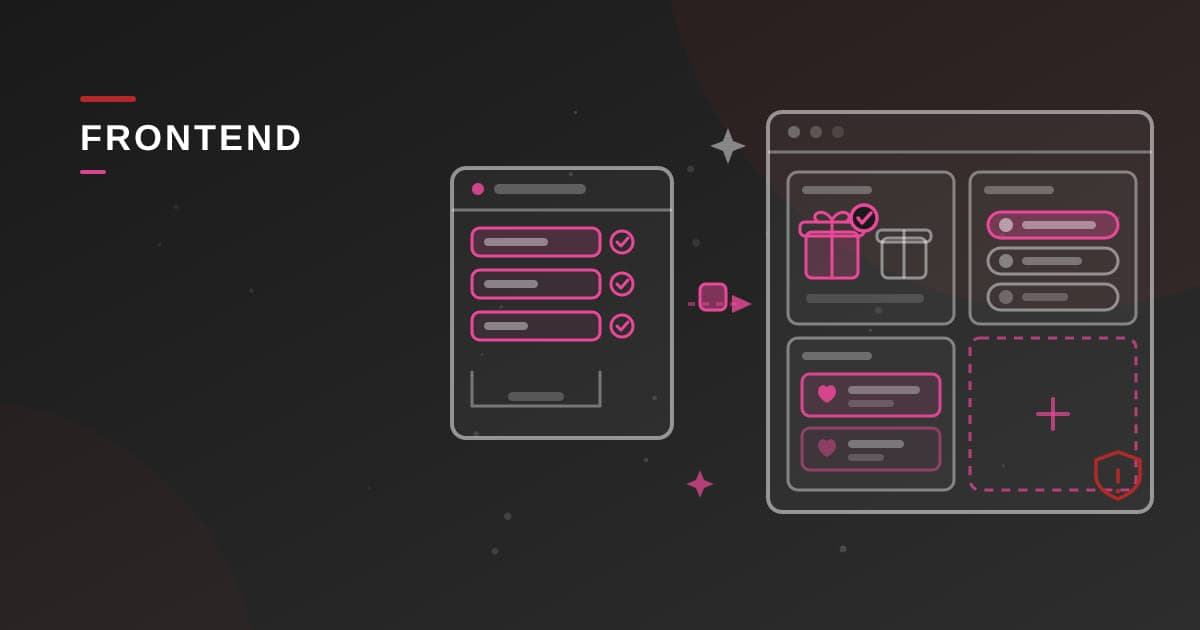
- A pick-your-own free gift. When a “free gift” cart price rule fires, the shopper now chooses the gift in the cart instead of having one added automatically. A promotion classic merchandisers had been asking for (Cart 3.4.0, Checkout 3.4.0 and Order 4.1.0 drop-ins).
- Google Pay and PayPal. The Payment Services 4.2.1 drop-in adds Google Pay and PayPal buttons alongside cards and Apple Pay — which now accepts coupon codes. The composable payment stack stops being an argument against it.
- Multiple wishlists. A customer can create several named lists and file each product into the right one; a guest’s list persists temporarily (Wishlist 3.5.0).
- Accessibility. Screen readers and keyboard navigation improve across cart, account and search — a legal matter in Europe since the 2025 accessibility deadline.
- A B2B company address book. Buyers from the same company now share a single address book, governed by role-based permissions and usable from account to quote via checkout (Company Management 1.5.0, User Account 4.2.0, Checkout 3.4.0, Quote Management 1.3.0).
A sixth addition demands action: reCAPTCHA protection on B2B company registration is not on by default — it requires an explicit opt-in via the b2bEnabled flag after upgrading. Put it on the upgrade checklist rather than discovering it after a wave of fraudulent sign-ups.
Coordinated versions rather than a continuous stream
Each drop-in lives its own life — cart at 3.4.0, wishlist at 3.5.0, payments at 4.2.1. What changes is that Adobe now publishes them as suites tested together: a coherent, dated, documented batch of versions validated against each other. For a delivery team, that is the difference between “update seven packages and hope nothing breaks” and “move from one suite to the next with a known test scope”. The sound architectural reflex: treat the suite as the unit of upgrade, budget one slot per quarter, and ban cherry-picked drop-in updates that recreate combinations the vendor never tested.
What it changes for the migration decision
For a CTO still weighing staying on Luma against moving to the composable storefront, this suite does not change the underlying equation — it changes how fast the equation moves. The “it lacks X” argument has an ever-shorter shelf life: free gifts, payment wallets and multiple wishlists sat on every gap list six months ago; they no longer do. An undated gap list is now a wrong gap list. And B2B merchants, long the least well served by the new front ends, are seeing structural pieces arrive — the shared address book today, after quotes and company management.
Where to start
- Inventory your drop-in versions and measure the distance to the September suite; plan the upgrade as a single batch, not package by package.
- In B2B, enable the reCAPTCHA flag during the upgrade and review address book permissions with the business.
- Replay the payment matrix — cards, Apple Pay with a coupon code, Google Pay, PayPal — on a staging environment before opening the new methods in production.
- If you are still on Luma, re-date your gap list before quoting it in a steering meeting: it has probably shrunk.
The composable storefront does not have everything yet. But the suite cadence turns “feature parity” into a moving target — and it only moves one way.
I can help you.
Let's discuss your project.